


Laser Zone
edit
REMEMBER To Reserve Time!
Various tools such as the lasers, 3D Printers, and Forest CNC need to be reserved before using the tool. There is a link on each tool's wiki page, and in each tool's Slack channel to reserve time, or you can select the tool from the MakerFX PickTime page
Note: As of March 2025, we are implementing PickTime tool by tool - review the Slack channel for each tool for current status.
CO2 Lasers
|
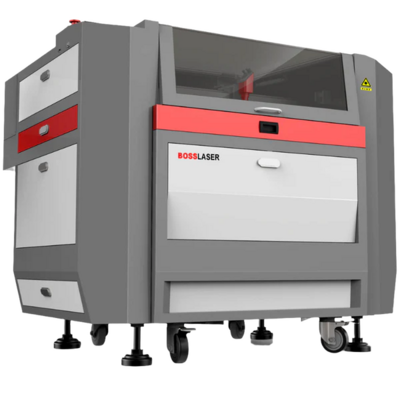
Boss Laser LS-1630
|
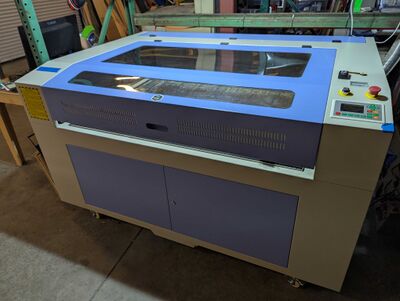
Audrey
|
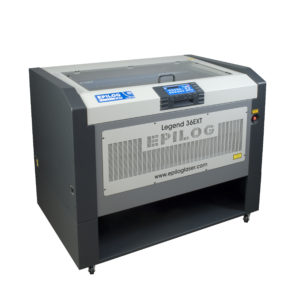
Epilog Legend 36EXT (IN STORAGE)
|
 |
 |
 |
|
|
|
Fiber Lasers
|
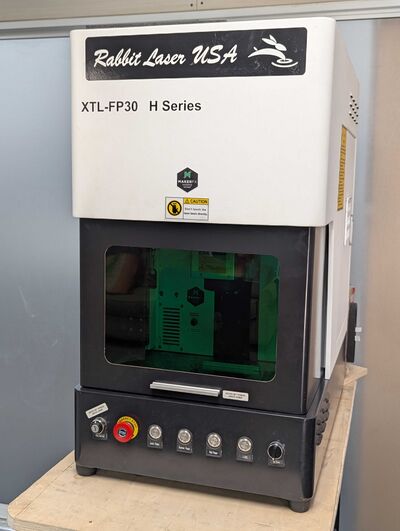
Rabbit Fiber Laser XTL-FP30
|
 |
|
LightBurn Software
Most of our users use LightBurn for design and laser control. Visit the LightBurn page to get started!